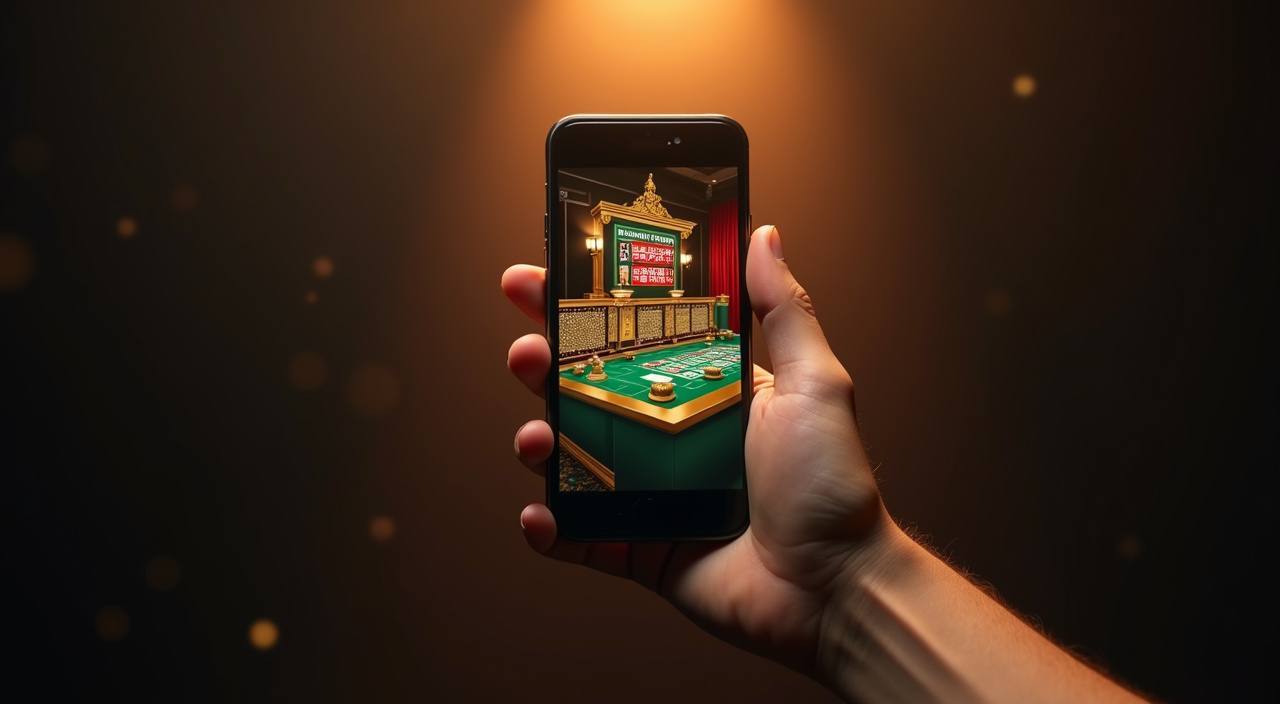

Mobile Access in 3 Steps
Getting the naagd88 lobby running on your phone takes less than a minute, and there is no APK to sideload or app store listing to hunt for. The whole thing runs in your browser, which keeps updates automatic — you never manually patch the app. If you are in Dhaka or anywhere else in Bangladesh, the steps below apply as long as
the site is accessible in your region. Always verify you are on the current naagd88 address before entering account details, since the correct domain can change; our support channel will confirm it.
- Open the current site address — Type or paste the verified naagd88 URL into your phone browser. Chrome on Android and Safari on iOS both handle the full lobby without any extra setup.
- Check browser compatibility — Make sure your browser is up to date. An outdated version can block the live stream for tables like Baccarat Acehigh or cause the betslip to stall mid-session.
- Sign in with biometrics — Log in with your account credentials and, when prompted, enable fingerprint or face unlock so future sessions skip the manual password step entirely.
- Pin the page to your home screen — Use your browser's Add to Home Screen option. It creates a shortcut icon so re-opening the lobby feels identical to launching a native app, without taking up install storage.